ニュース Minecraft Chat Guide:あなたが知る必要があるすべて

Minecraft Chat Guide:あなたが知る必要があるすべて

著者 : Zoe アップデート : Apr 04,2025

Minecraftでのチャットは、重要なコミュニケーションツールとして機能し、プレーヤーが対話し、コマンドを実行し、サーバー通知を受信できるようにします。調整、リソース交換、質問アサイク、ロールプレイ、ゲーム管理を促進します。サーバーはチャットを利用してシステムメッセージをブロードキャストし、プレイヤーをイベントに警告し、報酬を配布し、更新を発表します。

目次

  • チャットを開き、コマンドを使用する方法
  • サーバー上の通信
  • よくある質問やエラー
  • テキストのフォーマット
  • システムメッセージ
  • 便利なコマンド
  • チャット設定
  • JavaとBedrock版の違い
  • カスタムサーバーでチャットします

チャットを開き、コマンドを使用する方法

Minecraftでチャット画像:YouTube.com

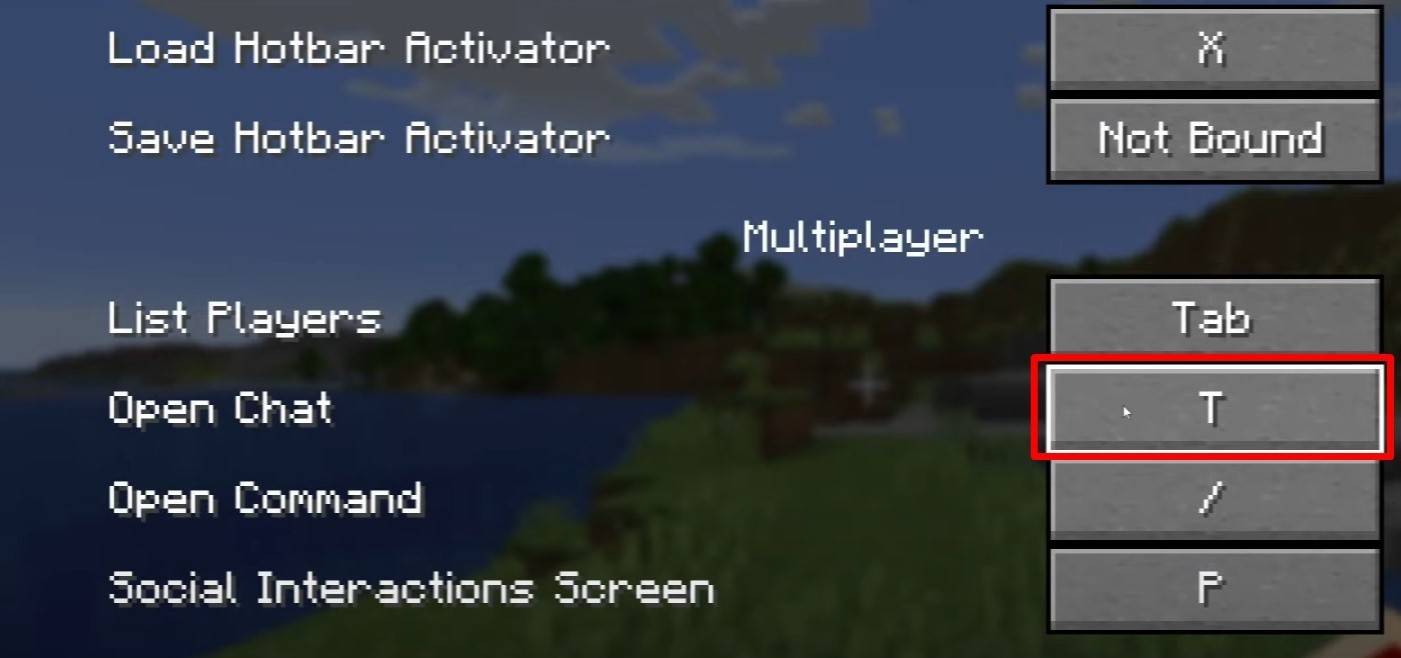
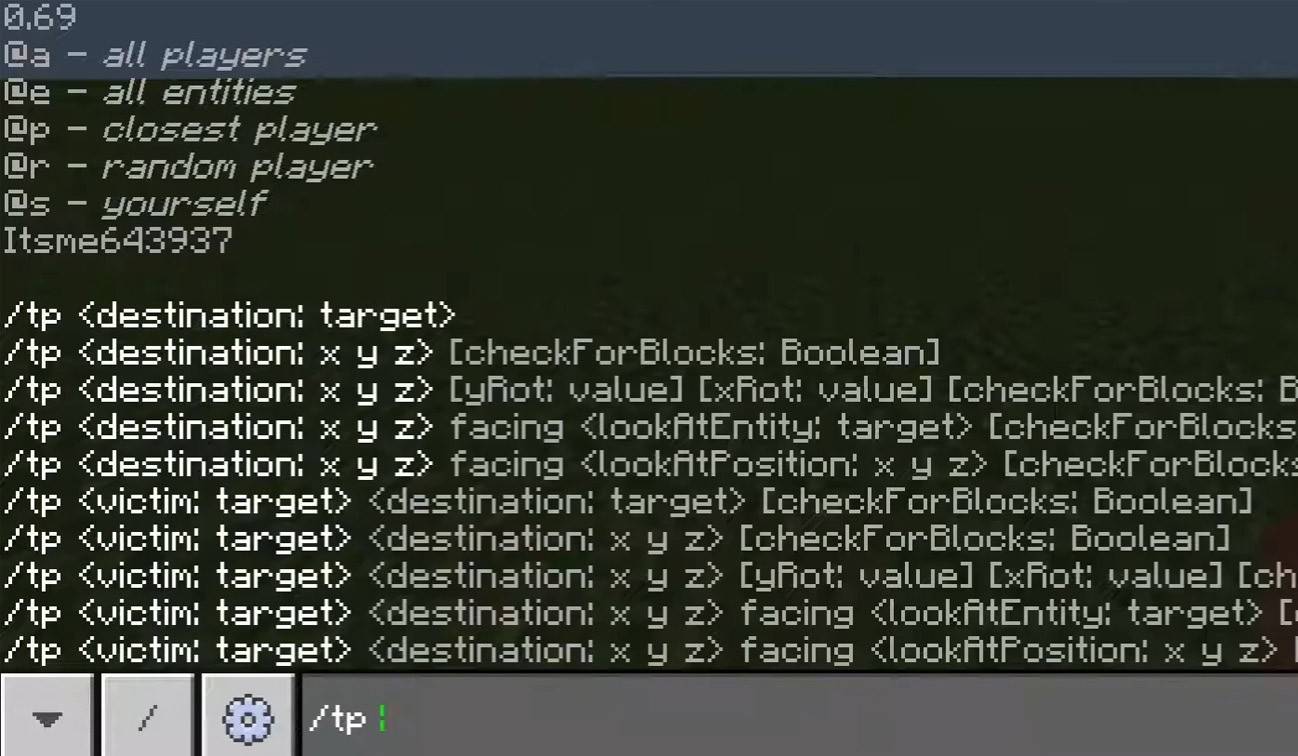
チャットにアクセスするには、「T」キーを押すだけです。テキストフィールドが表示され、メッセージを入力して送信してEnterを押して送信します。 「/」で入力を開始すると、コマンドを入力します。ここにいくつかの例があります:

  • "/tp" - 別のプレイヤーにテレポート。
  • 「/スポーン」 - テレポートしてスポーン。
  • "/home" - 帰宅(セットアップの場合);
  • 「/help」 - 利用可能なコマンドのリスト。

シングルプレイヤーモードでは、チートが有効になっている場合にのみコマンドが機能します。サーバーでは、コマンドの可用性はプレーヤー許可によって決定されます。

また読む:Minecraftを担当する:コマンドに深く潜る

サーバー上の通信
Minecraftでチャット画像:YouTube.com

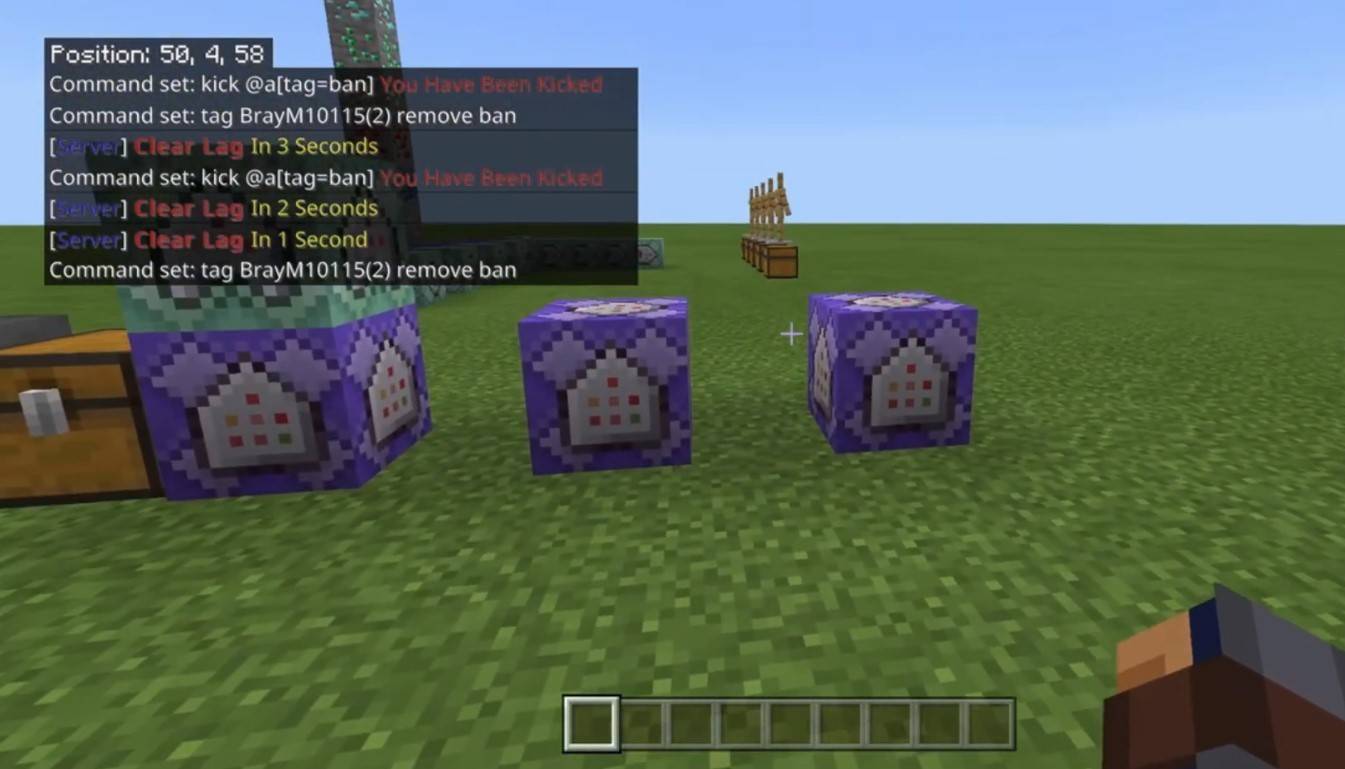
サーバーはさまざまな通信方法を提供します。標準チャットはすべてのプレイヤーに表示されます。プライベートな会話には、選択したプレーヤーにのみメッセージを送信する「/msg」コマンドを使用します。サーバープラグインによって促進されるグループまたはチームチャットは、「/partychat」や「/teammsg」などのコマンドでアクセスできます。一部のサーバーは、グローバルチャットとローカルチャットを区別します。グローバルチャットメッセージは誰でも見られますが、ローカルチャットメッセージは特定の半径内でのみ表示されます。

サーバー上のプレーヤーの役割は、チャットインタラクションにも影響します。通常のプレイヤーは基本的なコマンドを使用して自由にチャットできます。モデレーターと管理者には、プレーヤーをミュートまたは禁止する能力など、追加の特権があります。 Mutingはメッセージの送信を防ぎ、ブロックサーバーアクセスを禁止します。

よくある質問やエラー
Minecraftでチャット画像:YouTube.com

  • 「チャットは開きません」 - 制御設定のキーを調整してみてください。
  • 「私はチャットで書くことができません」 - あなたはミュートされるかもしれません、またはゲームの設定でチャットが無効になるかもしれません。
  • 「コマンドは機能していません」 - サーバー上のアクセス許可を確認します。
  • 「チャットを隠す方法は?」 - 設定で無効にするか、 /togglechatコマンドを使用できます。

テキストのフォーマット
Minecraftでチャット画像:YouTube.com

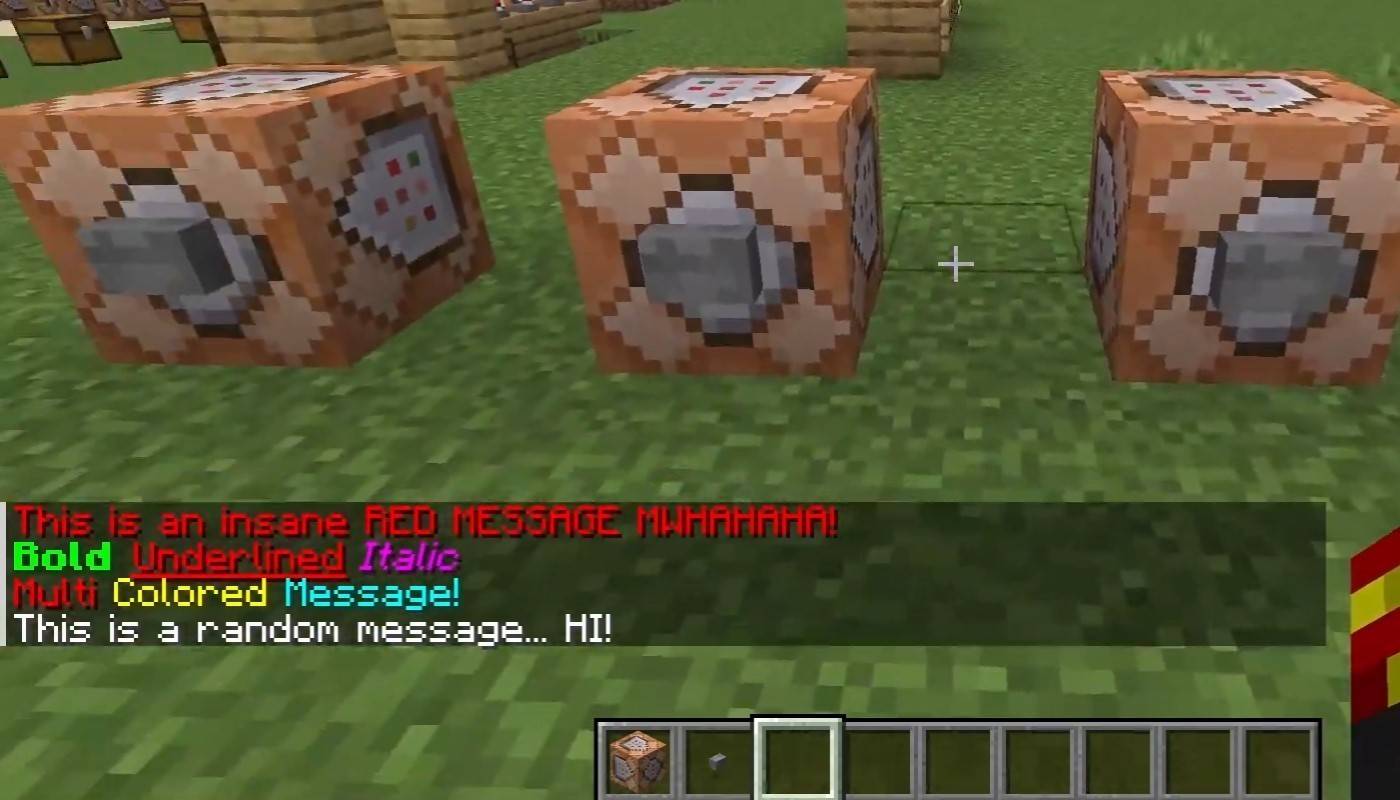
テキストのフォーマットをサポートするサーバーでは、以下を使用できます。

  • "&l" - 太字。
  • 「&o」 - イタリック。
  • "&n" - 下線;
  • "&m" - ストリケスラフ;
  • 「&r」 - フォーマットをリセットします。

システムメッセージ

チャットには、プレイヤーに参加して通知を残すなど、さまざまなシステムメッセージ、「プレーヤーがダイヤモンドのピカックスを取得した」、サーバーの発表、ニュース、イベント、変更、「許可がない」などのコマンドエラーなど、さまざまなシステムメッセージが表示されます。さらに、実行されたコマンド結果とゲームステータスの更新が表示されます。管理者とモデレーターは、チャットを使用して、重要な変更またはサーバールールを伝えます。

便利なコマンド

  • 「/無視」 - プレイヤーからのメッセージを無視します。
  • 「/ungigrore」 - 無視されたリストからプレーヤーを削除します。
  • "/chatslow" - チャットを遅くします(メッセージ送信の制限)。
  • 「/chatlock」 - 一時的にチャットを無効にします。

チャット設定

Minecraftでチャット画像:YouTube.com

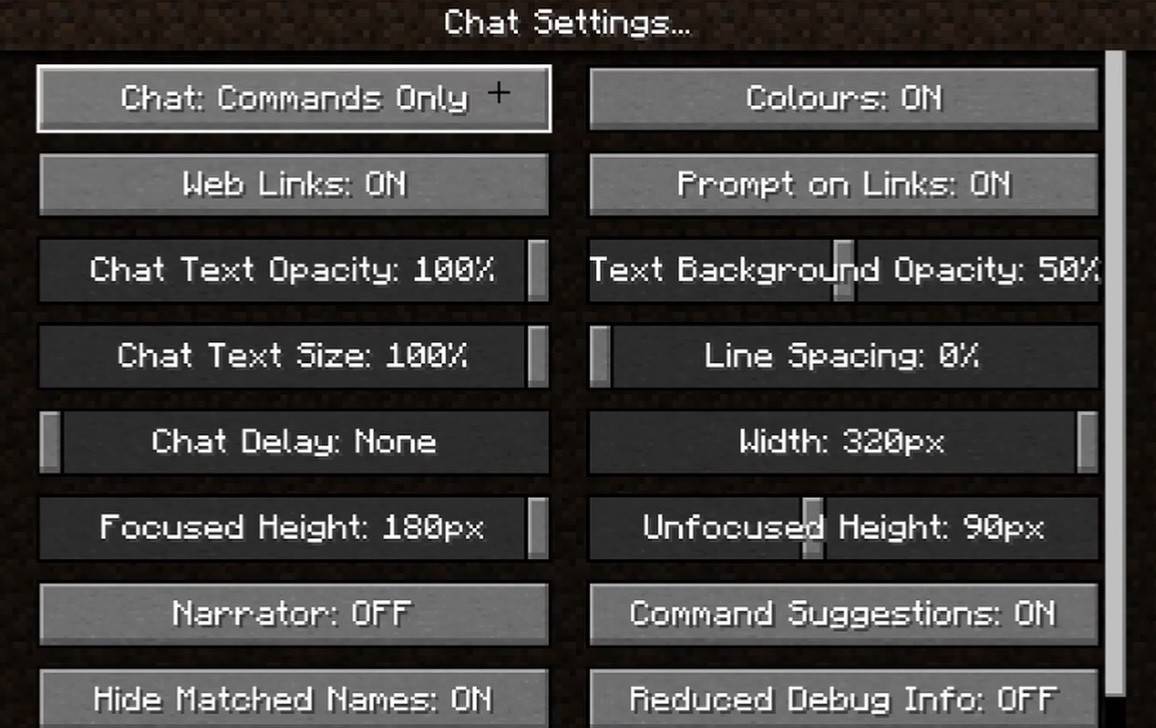
「チャットとコマンド」メニューでは、チャットのオンまたはオフを切り替え、フォントサイズと背景の透明度を調整し、冒とく的なフィルターを構成することができます(Bedrock Edition)。コマンドメッセージの表示をカスタマイズして、テキストの色を変更することもできます。一部のバージョンでは、メッセージタイプごとにチャットをフィルタリングすることができ、全体的なエクスペリエンスが向上します。

JavaとBedrock版の違い

Bedrock Editionでは、コマンドはわずかに異なって機能します(たとえば、「/Tellaw」の使用法の使用が異なります)。 Newer Java Editionバージョンでは、Mojangはメッセージフィルタリングとメッセージの送信を確認する必要性を導入しました。

カスタムサーバーでチャットします
Minecraftでチャット画像:YouTube.com

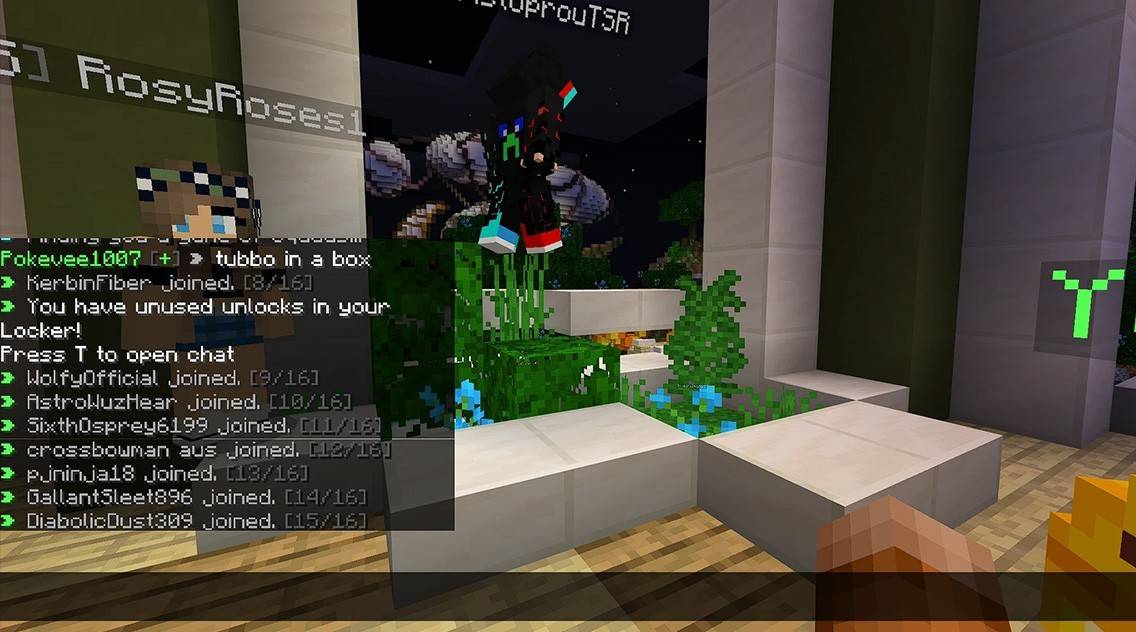
多くの場合、カスタムサーバーは、ルール、イベントなどをプレイヤーに思い出させる自動発表を備えています。メッセージフィルターは、スパム、広告、冒とく、in辱をブロックするのに一般的です。大規模なサーバーは、トレード、クラン、派factチャットなどの追加のチャットを提供する場合があります。

Minecraftでのチャットは、単なるコミュニケーションツールではなく、ゲームプレイを管理する手段でもあります。高度にカスタマイズ可能で、多数のコマンドと機能を提供しています。基本をマスターすることで、他のプレイヤーと効果的に対話し、チャットの機能を完全に活用できます!

最新記事

もっと
Shadow of the Monkey King: The PS5 Patch That Shakes the System – 93GB Download Warning The highly anticipated Shadow of the Monkey King—officially titled Wukong—has dropped a major performance patch for PlayStation 5, promising smoother gameplay, enhanced visuals, and improved load times. But fans are bracing for a shock: the update weighs in at a massive 93GB. What’s New in the Patch? The latest patch brings significant improvements to the game’s already impressive technical foundation: Ray Tracing Enhancements: More realistic lighting, reflections, and ambient occlusion across all key environments—from the misty peaks of the Five Elements Mountains to the fiery depths of the Underworld. Framerate Stability: Fixed stuttering issues in high-combat sequences, ensuring a buttery-smooth 60fps experience in Performance Mode. Reduced Load Times: Level transitions and fast-travel now load up to 40% faster, thanks to optimized data streaming and expanded SSD utilization. AI & NPC Improvements: Enemies react more dynamically to player actions, and non-combat NPCs now display more lifelike behaviors and dialogue variations. The 93GB Download: Why So Big? While the patch delivers on quality, the 93GB size has sparked mixed reactions online. According to a dev note from Game Science: “This update includes over 100GB of new assets, including high-resolution textures, additional animation cycles, and expanded audio libraries. The bulk of the data is dedicated to preserving the game's artistic integrity and enabling future mod support through a new asset streaming framework.” Some users have pointed out that the base game is only ~40GB, meaning the patch nearly doubles the total storage requirement. What Should Players Do? Ensure You Have 100GB+ Free Space: The PS5 needs at least 100GB of free space for the full patch installation, including temporary files. Consider Using a Fast SSD: The patch’s large size and high-speed data transfer mean a fast external SSD or internal NVMe drive is recommended for optimal download and installation times. Download During Off-Peak Hours: With many players updating simultaneously, expect slower speeds during peak times. Fan Reactions The community is split: “93GB for a game that already looked gorgeous? I’ll take the upgrade.” – @PS5GamerPro “I’m not mad… I’m just disappointed my 500GB PS5 now has 100GB of ‘just for one game’.” – @GamingWithGrit “It’s worth it for the ray-traced rain in the Jade Emperor’s palace.” – @MonkeyKingFanatic Final Thoughts While the 93GB download is a hefty ask, the performance and visual gains make it a worthwhile investment for fans of Wukong. As one Reddit user put it: “It’s not a patch. It’s a revelation. Just… maybe start downloading on a weekend.” So, if you're ready to dive back into the mythic journey of Sun Wukong, grab your staff, clear some storage, and prepare for a transformation—both on screen and on your PS5’s hard drive. 🔥 Wukong has risen. But so has your download bar. 読む