
Application Description
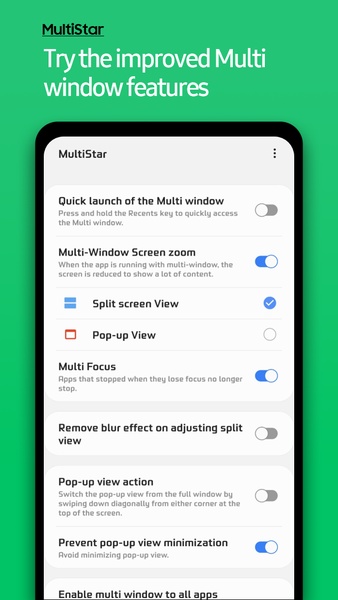
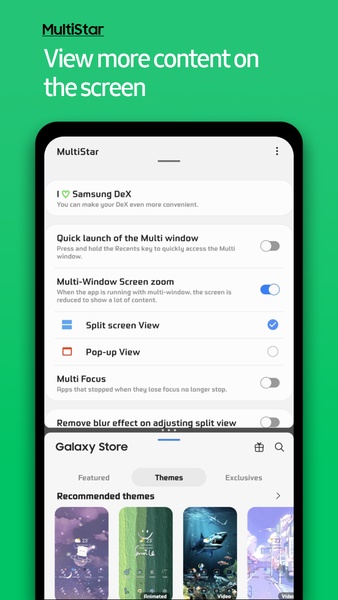
Samsung MultiStar is an application that enables you to split your Samsung device's display, allowing you to view and operate two separate apps at the same time. While this functionality operates on all devices, it excels on foldable models by letting you run one app on each screen half.
Set up your multiscreen
Within the Samsung MultiStar options menu, you can configure how your multiscreen operates. By default, it splits the screen evenly between two apps. Alternatively, you can set one app to appear in a pop-up window that floats above your primary screen. This second mode is perfect for scenarios like maintaining a chat conversation over a full-screen video.
Compatible with all devices
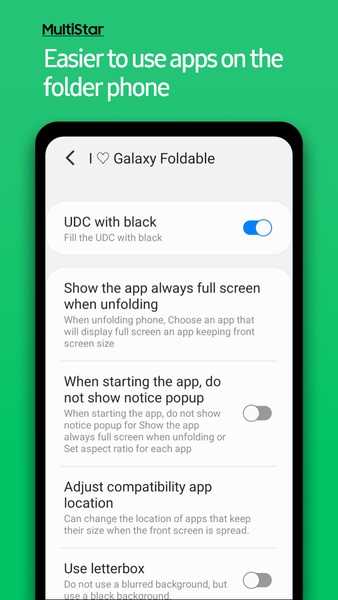
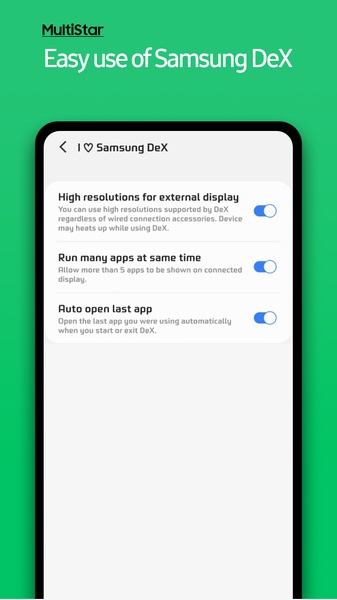
A key advantage of Samsung MultiStar is that its feature set adapts to your specific device model and OS version. Foldable device owners gain access to a rich suite of options, while users with standard single-screen phones still benefit from core multitasking tools. Therefore, virtually any Samsung device can harness this multiscreen capability.
Download Samsung MultiStar if you own a Samsung device and wish to run two apps concurrently. This tool can significantly accelerate tasks like text transcription or allow you to message friends while working on something else. The potential uses are nearly limitless.
Requirements (Latest version)
- API 34
Screenshot
Reviews
Apps like Samsung MultiStar













Trending apps








Top News








Latest Apps


Latest Articles