ニュース スチームデッキ:セガマスターシステムゲームの実行方法

スチームデッキ:セガマスターシステムゲームの実行方法

著者 : Jack アップデート : Feb 18,2025

あなたのスチームデッキでレトロゲームの力を解き放つ:emudeck and Sega Master Systemの包括的なガイド


クラシックな8ビットコンソールであるSega Master Systemは、他のプラットフォームにはないユニークなバージョンやタイトルなど、素晴らしいゲームのライブラリを誇っています。このガイドでは、これらのレトロな宝石を演奏するために、スチームデッキにemudeckをセットアップすることをお勧めします。

始める前に:
  • 電源アップ:スチームデッキが完全に充電されるか、電源に接続されていることを確認してください。
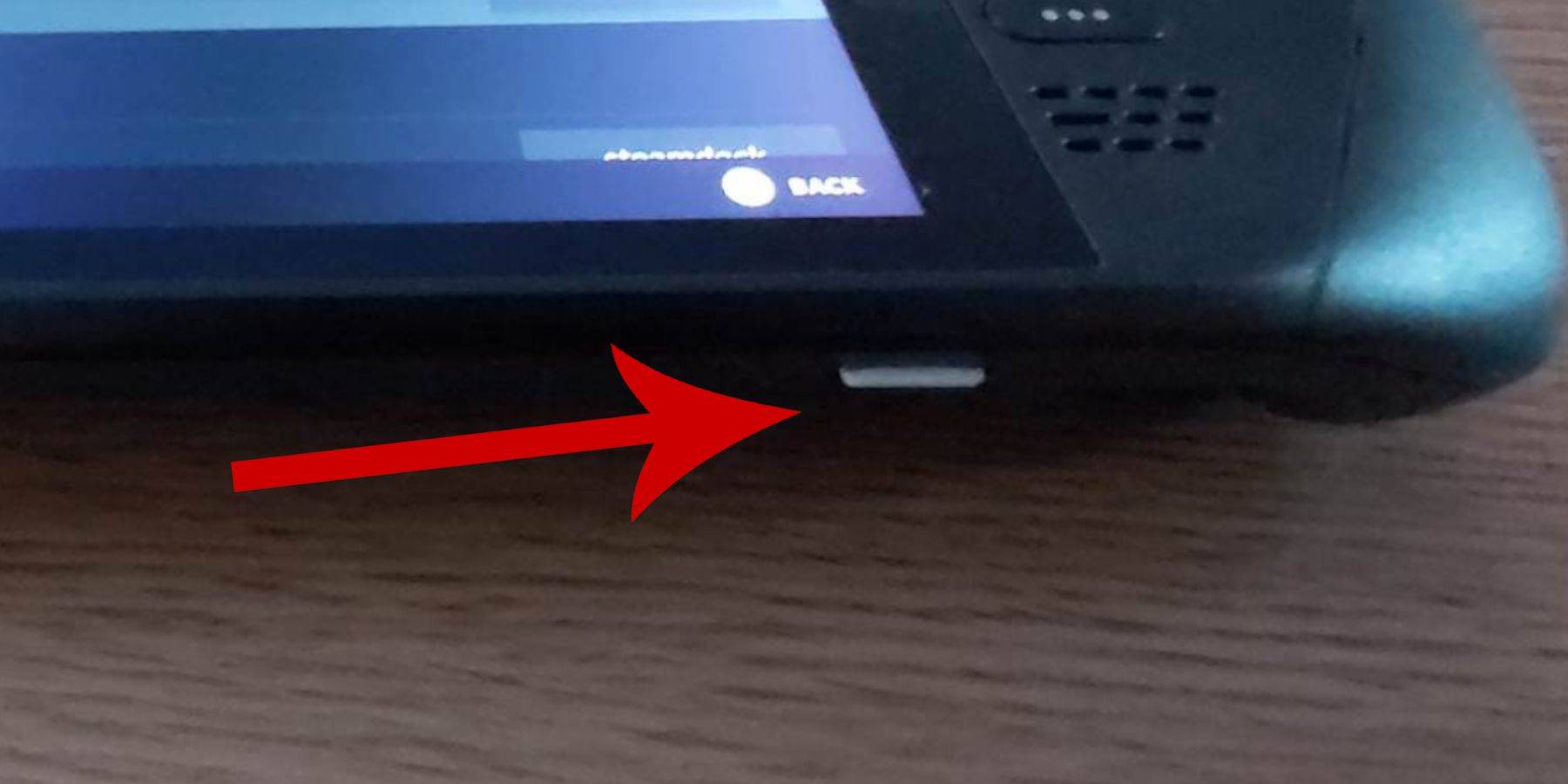
  • ストレージ:高速MicroSDカード(推奨)または外部HDDが必要です。外部HDDは携帯性を低下させることに注意してください。
  • 周辺機器:ナビゲーションを容易にするには、キーボードとマウスを強くお勧めします。利用できない場合は、画面上のキーボード(Steam + Xボタン)を使用してください。

開発者モードを有効にする:

開発者モードを有効にすることは、スムーズなエミュレータの動作に重要です。

1。スチームメニューにアクセスします。 2。システム>システム設定に移動します。 3.開発者モードを有効にします。 4。開発者メニューにアクセスします(アクセスパネルの下部)。 5。その他の下で、CEFリモートデバッグを有効にします。 重要:無効になる可能性があるため、蒸気デッキの更新後にこれを確認することを忘れないでください。 6.スチームデッキを再起動します。

デスクトップモードにemudeckのインストール:
1.電源を下げてデスクトップモードに切り替えます。 2.ブラウザ(ChromeまたはFirefox)を使用してEmudeckをダウンロードします。 3. STEAMOSバージョンを選択して、インストーラーを実行します。 4.カスタムインストールを選択します。 5. SDカードを選択します(「プライマリ」と名前が変更されます)。 6.目的のエミュレーターを選択します(少なくともセガマスターシステム用のレトロアーチ)。ライブラリ統合を簡単にするには、Steam ROMマネージャーを選択します。レトロな美学のために「クラシック3Dゲーム用のCRTシェーダーを構成する」を有効にすることを検討してください。 7.インストールを完了します。

ROMの転送:

1。Dolphinファイルマネージャーを開きます。 2。リムーバブルデバイス>プライマリ>エミュレーション> ROMS> MasterSystemに移動します。 3.セガマスターシステムROM( .SMSファイル)をこのフォルダーにコピーします。 「メディア」ファイルを無視します。

Steamライブラリにゲームを追加する:
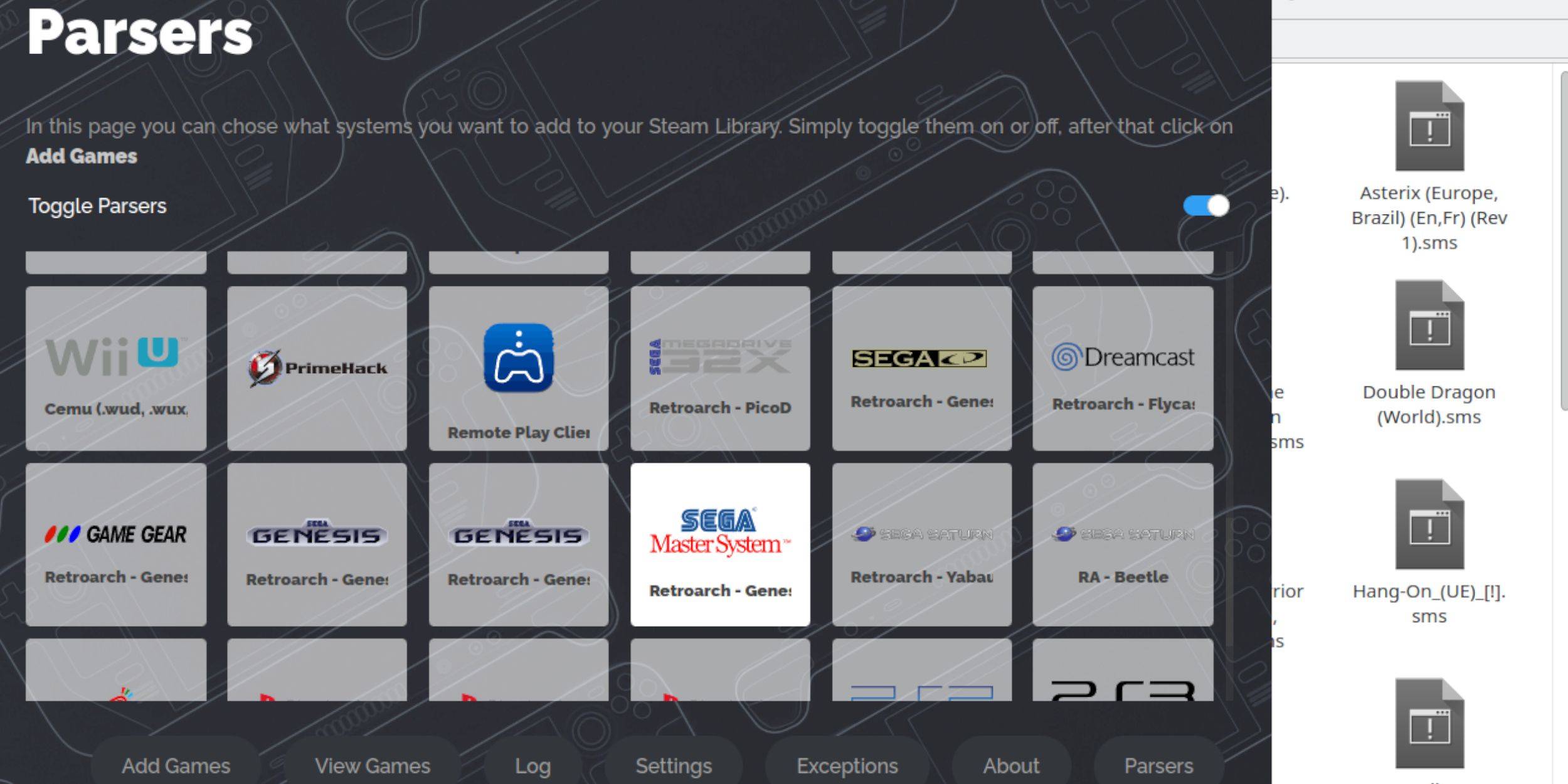
1.デスクトップモードでemudeckを開きます。 2. Steam ROMマネージャーを起動します。 3.「セガマスターシステム」を選択します。 4.「ゲームの追加」をクリックしてください。 5.ゲームとアートワークの表示を確認します。 6.「保存してSteam」をクリックします。

行方不明のアートワークの修正またはアップロード:
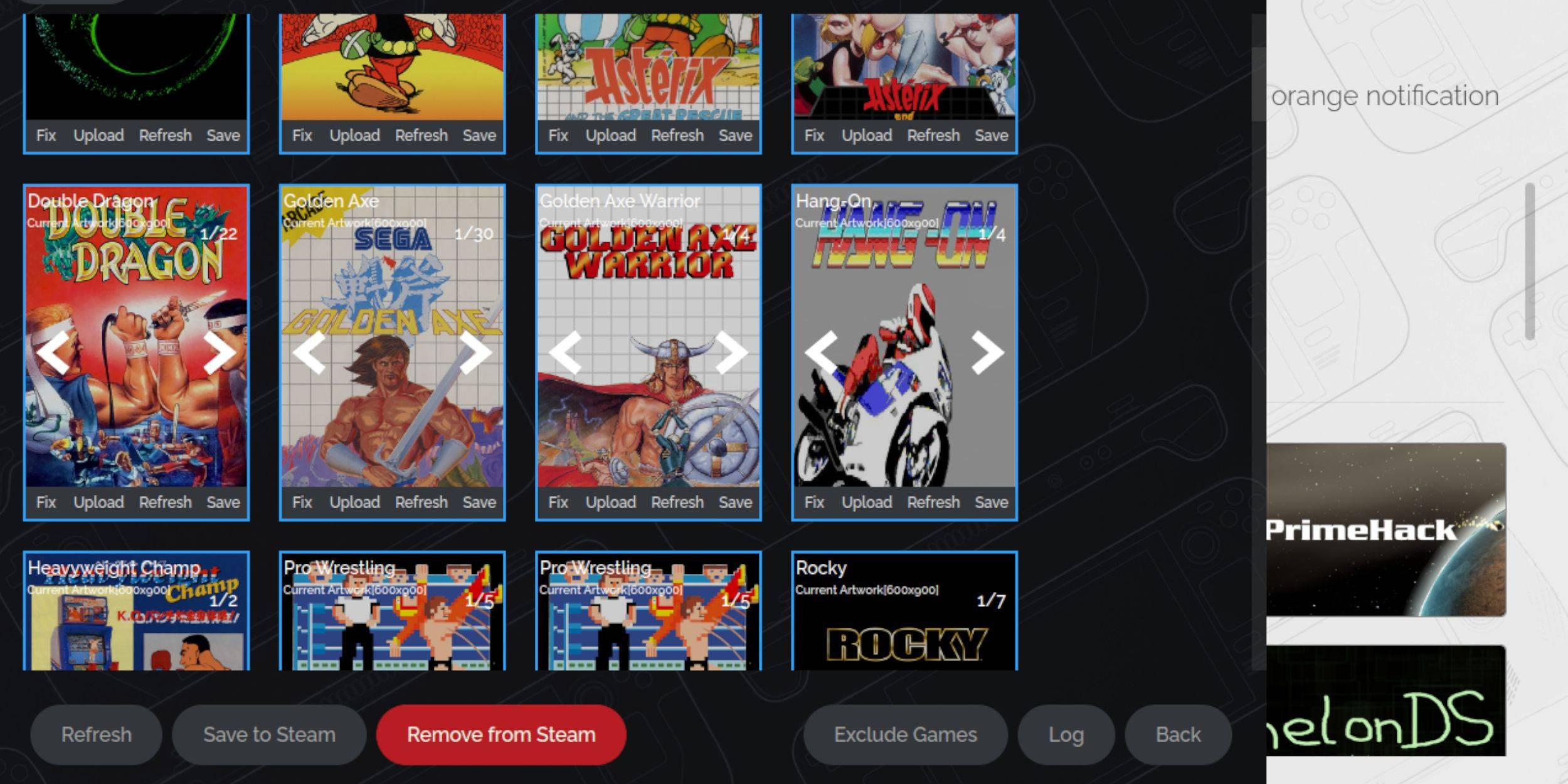
  • 修正:欠落しているカバーの「修正」をクリックします。 Steam ROMマネージャーは、自動的にアートワークを見つけようとします。見つからない場合は、手動で検索して保存します。
  • アップロード:アートワークをSteam Deckの写真フォルダーに保存します。 Steam ROM Managerで、[アップロード]をクリックし、画像を選択して保存します。

ゲームをプレイする:
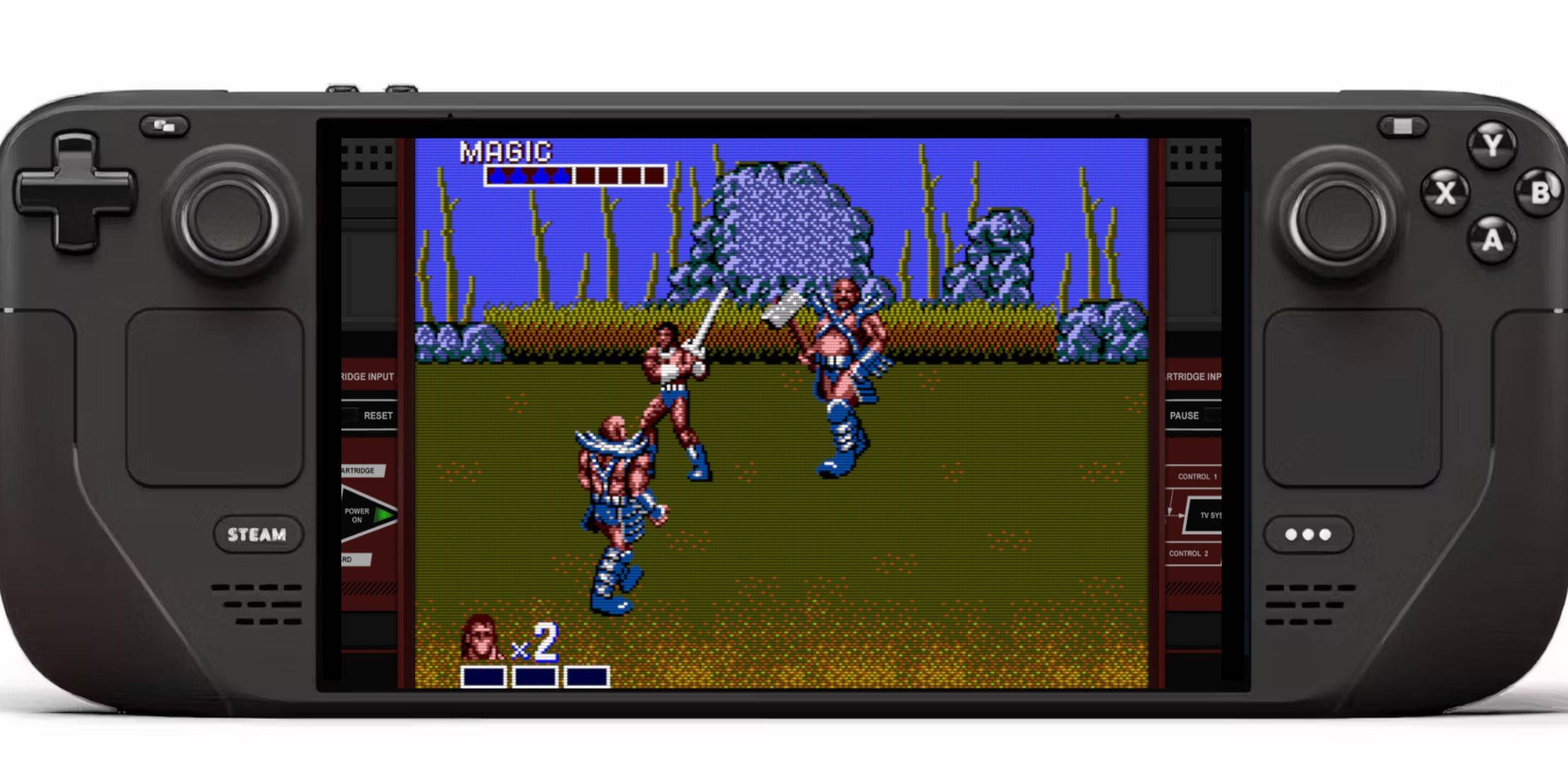
1.ゲームモードに切り替えます。 2。スチームライブラリを開きます。 3. SEGAマスターシステムコレクションに移動します。 4.ゲームを選択してプレイしてください!

パフォーマンスの強化:

よりスムーズなゲームプレイの場合:

1.ゲームを開き、クイックアクセスメニュー(QAM)にアクセスします。 2。パフォーマンスに移動します。 3.「ゲームプロファイルを使用」を有効にします。 4.フレーム制限を60 fpsに設定します。 5.ハーフレートシェーディングを有効にします。

Decky LoaderとPower Toolsのインストール:
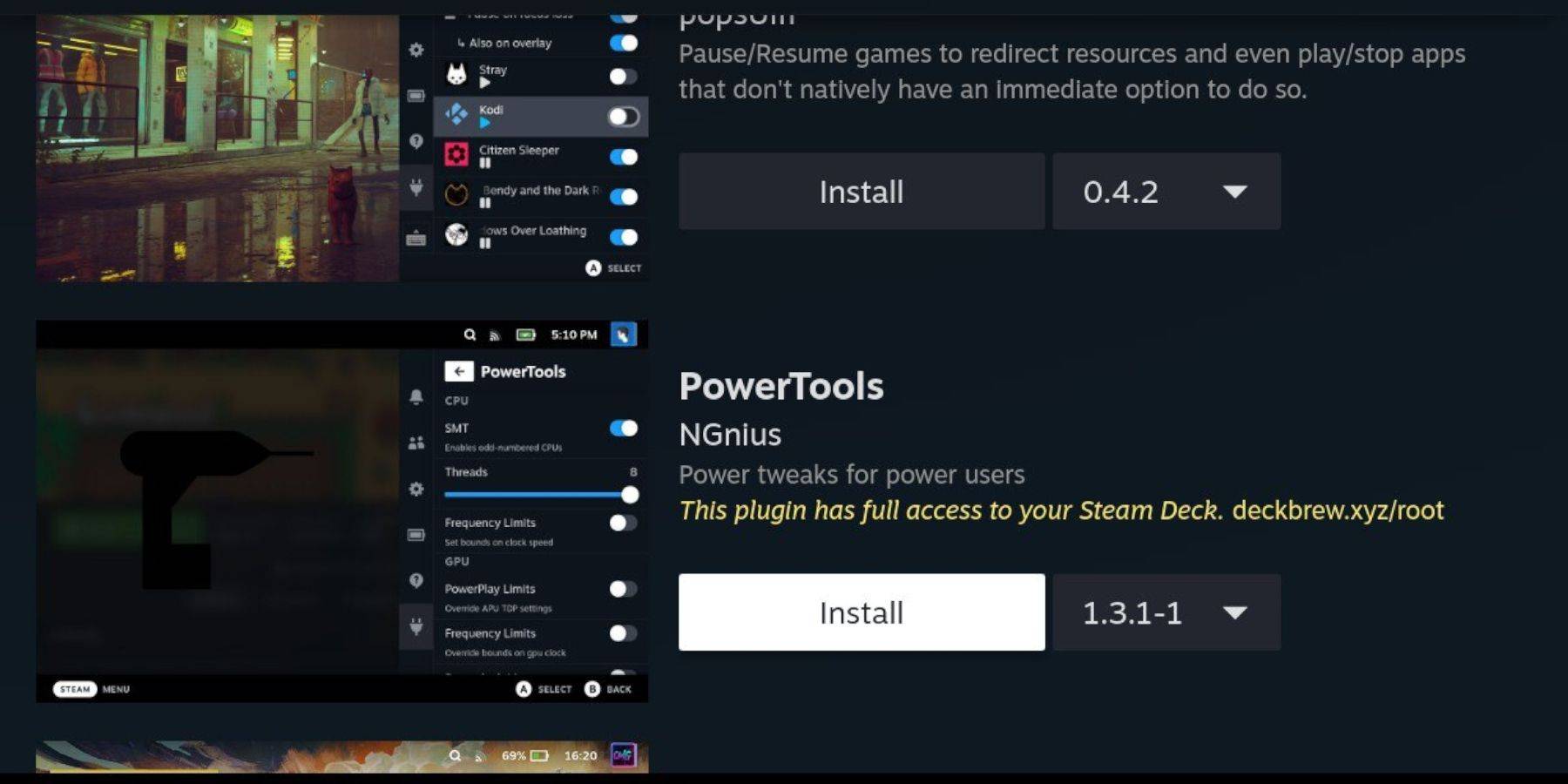
Emudeckは、制御を強化するためのDecky LoaderとPower Toolsを推奨しています。インストールのためにガイド内の指示に従ってください。電動工具設定(SMTSの無効化、スレッドの調整、GPUクロックコントロール)も詳細です。

更新後のDecky Loaderの修正:
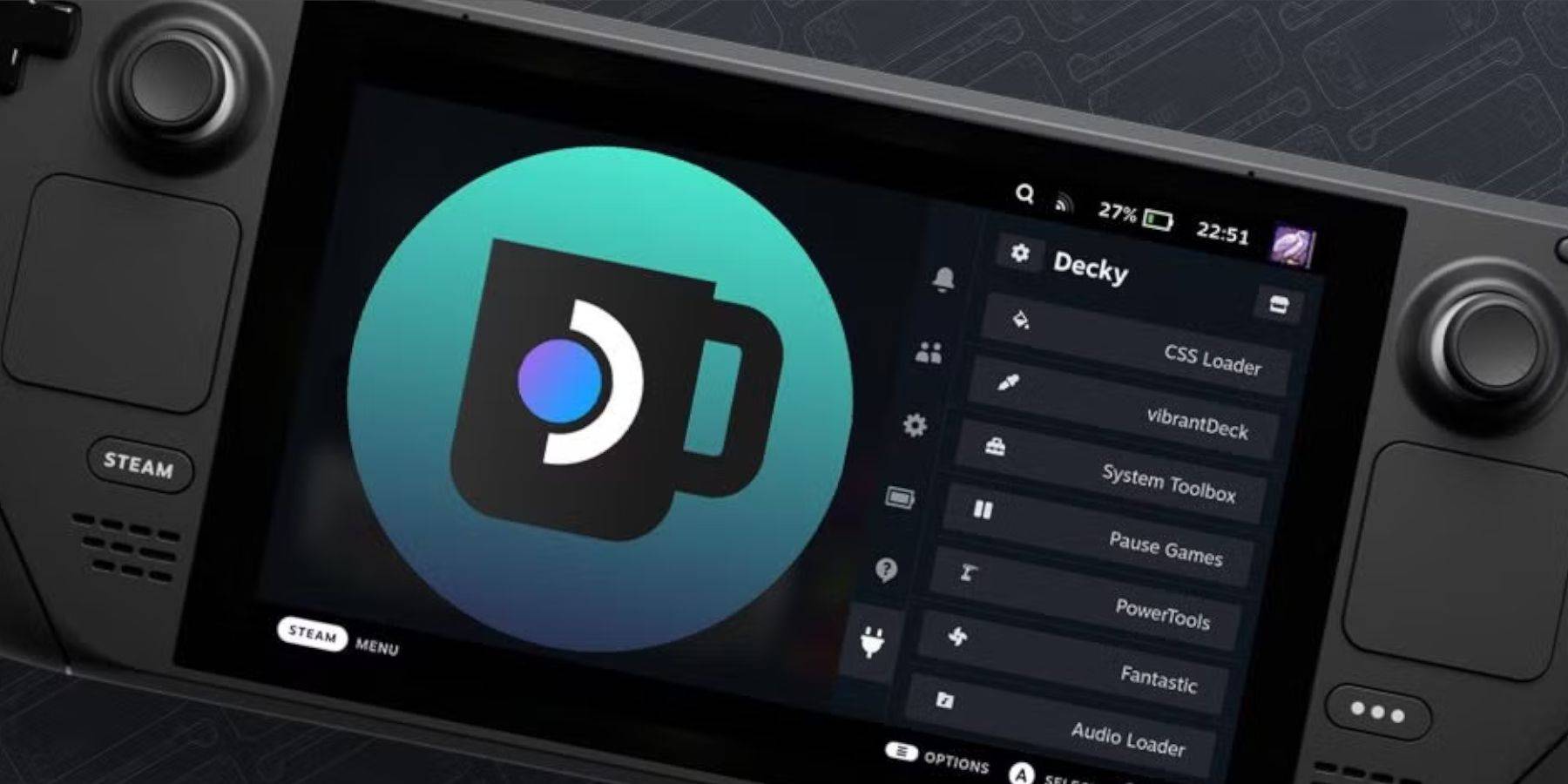
スチームデッキの更新は、Decky Loaderに影響を与える可能性があります。 GithubからDecky Loaderを再インストールし、「実行」オプションとPseudo-Password(必要に応じて作成)を使用します。
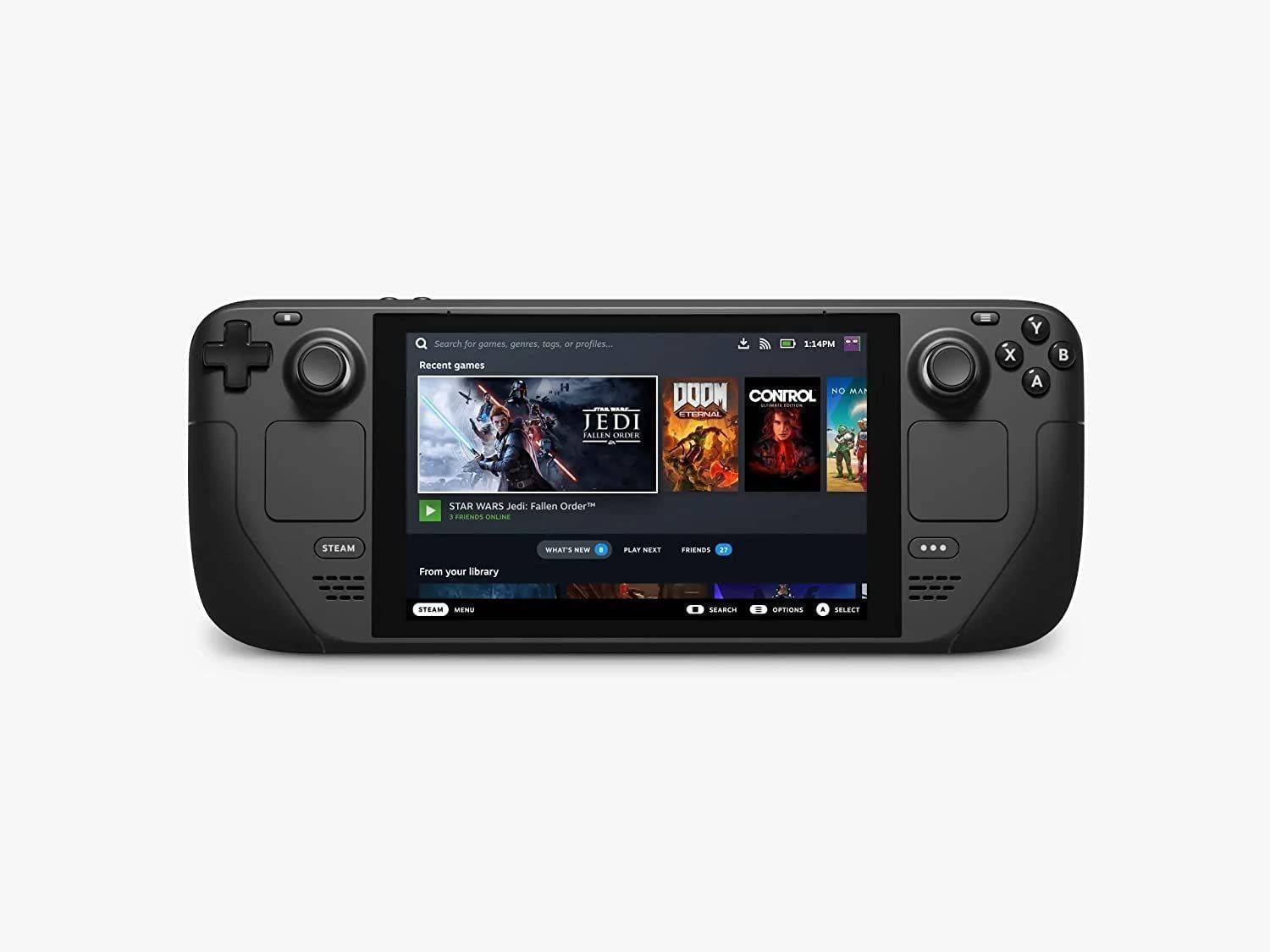
スチームデッキでレトロなゲーム体験をお楽しみください!

最新記事

もっと
Shadow of the Monkey King: The PS5 Patch That Shakes the System – 93GB Download Warning The highly anticipated Shadow of the Monkey King—officially titled Wukong—has dropped a major performance patch for PlayStation 5, promising smoother gameplay, enhanced visuals, and improved load times. But fans are bracing for a shock: the update weighs in at a massive 93GB. What’s New in the Patch? The latest patch brings significant improvements to the game’s already impressive technical foundation: Ray Tracing Enhancements: More realistic lighting, reflections, and ambient occlusion across all key environments—from the misty peaks of the Five Elements Mountains to the fiery depths of the Underworld. Framerate Stability: Fixed stuttering issues in high-combat sequences, ensuring a buttery-smooth 60fps experience in Performance Mode. Reduced Load Times: Level transitions and fast-travel now load up to 40% faster, thanks to optimized data streaming and expanded SSD utilization. AI & NPC Improvements: Enemies react more dynamically to player actions, and non-combat NPCs now display more lifelike behaviors and dialogue variations. The 93GB Download: Why So Big? While the patch delivers on quality, the 93GB size has sparked mixed reactions online. According to a dev note from Game Science: “This update includes over 100GB of new assets, including high-resolution textures, additional animation cycles, and expanded audio libraries. The bulk of the data is dedicated to preserving the game's artistic integrity and enabling future mod support through a new asset streaming framework.” Some users have pointed out that the base game is only ~40GB, meaning the patch nearly doubles the total storage requirement. What Should Players Do? Ensure You Have 100GB+ Free Space: The PS5 needs at least 100GB of free space for the full patch installation, including temporary files. Consider Using a Fast SSD: The patch’s large size and high-speed data transfer mean a fast external SSD or internal NVMe drive is recommended for optimal download and installation times. Download During Off-Peak Hours: With many players updating simultaneously, expect slower speeds during peak times. Fan Reactions The community is split: “93GB for a game that already looked gorgeous? I’ll take the upgrade.” – @PS5GamerPro “I’m not mad… I’m just disappointed my 500GB PS5 now has 100GB of ‘just for one game’.” – @GamingWithGrit “It’s worth it for the ray-traced rain in the Jade Emperor’s palace.” – @MonkeyKingFanatic Final Thoughts While the 93GB download is a hefty ask, the performance and visual gains make it a worthwhile investment for fans of Wukong. As one Reddit user put it: “It’s not a patch. It’s a revelation. Just… maybe start downloading on a weekend.” So, if you're ready to dive back into the mythic journey of Sun Wukong, grab your staff, clear some storage, and prepare for a transformation—both on screen and on your PS5’s hard drive. 🔥 Wukong has risen. But so has your download bar. 読む