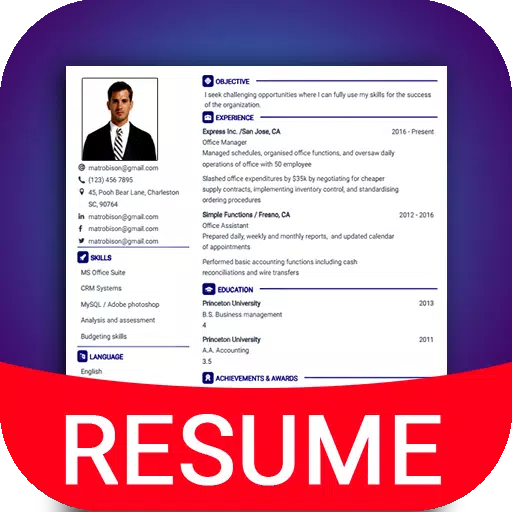
Application Description
Resume & CV Maker in PDF Format. Build Your Job-Seeking Resume in 2 Minutes Using Professional Templates
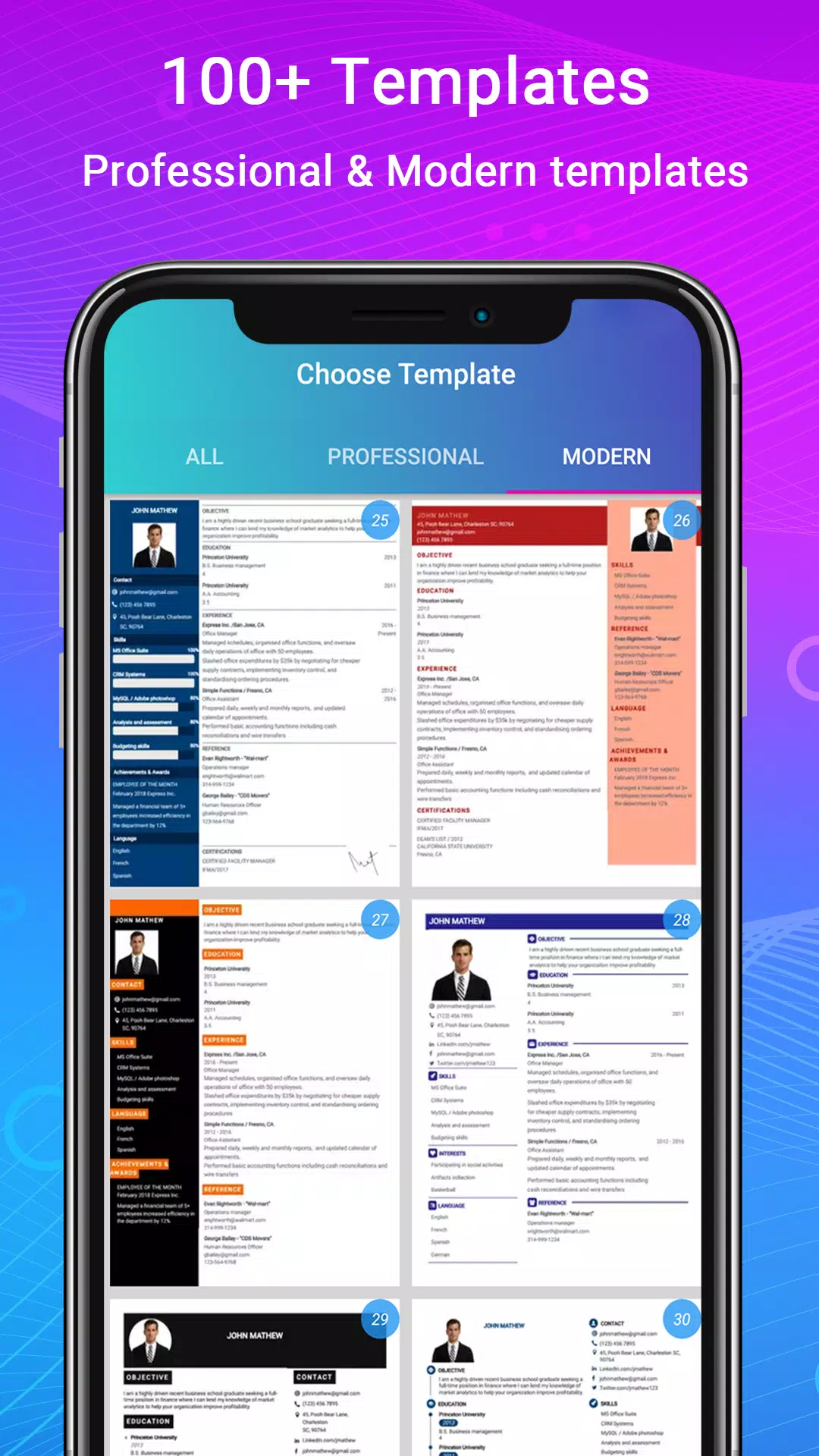
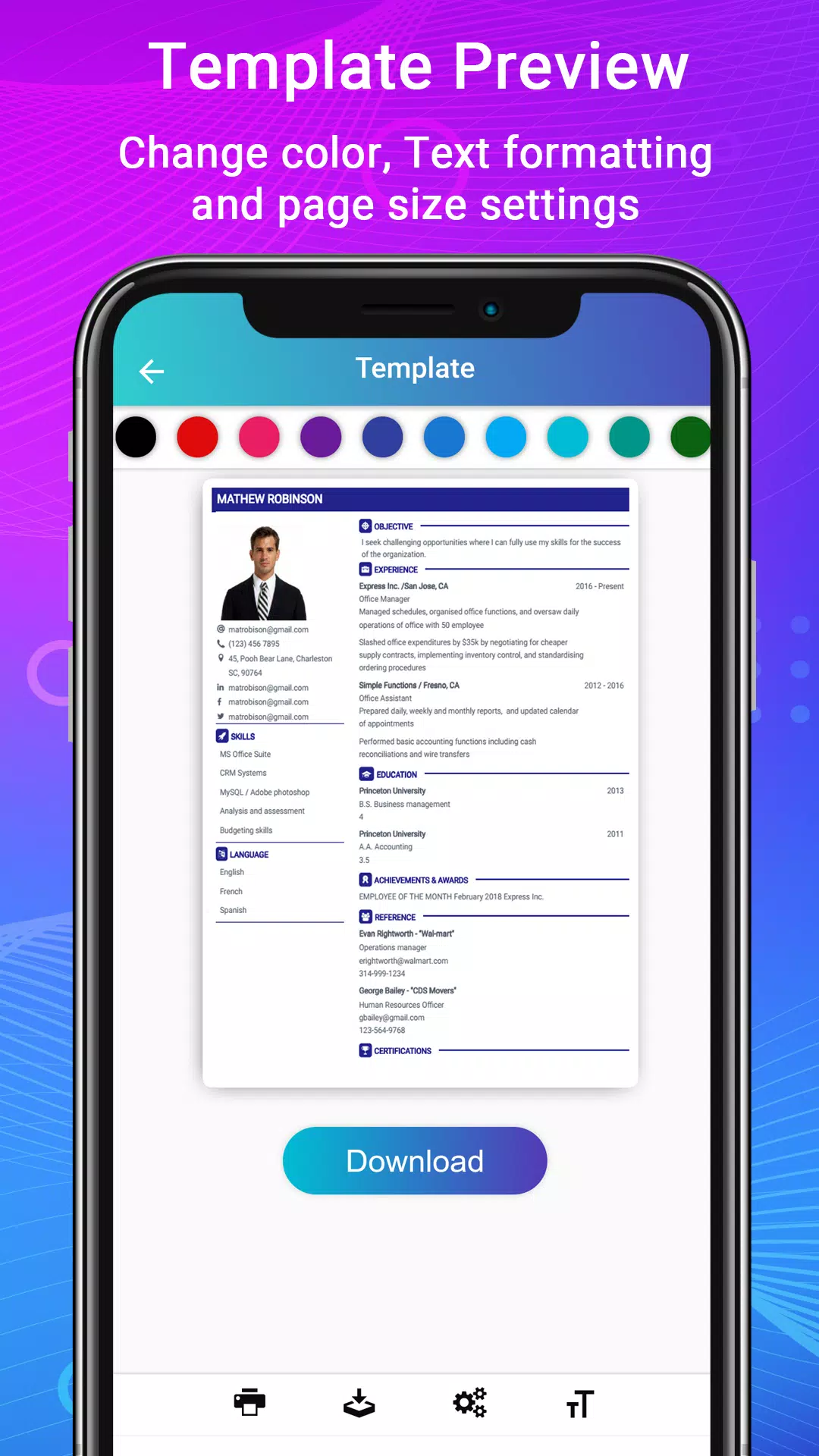
Our intelligent CV building app helps you create professional resumes and Curriculum Vitae for job applications in just a few minutes. With over 50 resume templates available, each design offers 15 color options, giving you more than 500 unique resume designs to choose from, both online and offline.
Craft a modern & professional resume and cover letter with this CV maker app. Expert tips guide you on current resume writing trends, helping you secure more job interviews. Prepare for full-time or part-time remote work opportunities with ease.
Intelligent CV Builder App Features:
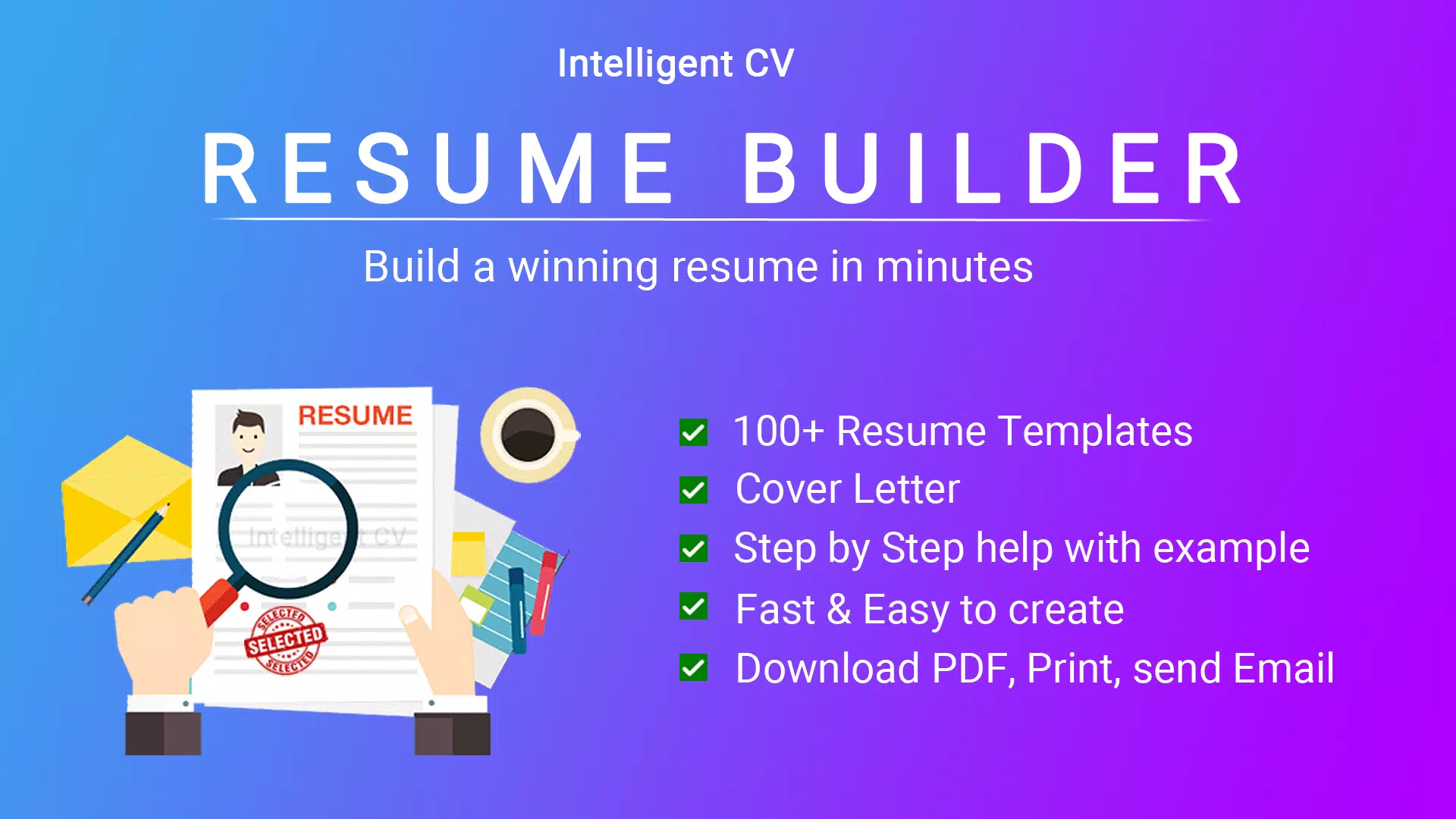
1. 500+ Professional Resume Templates & 42 Ideal Formats.
2. Step-by-Step Guidance with Real-Life Examples.
3. Integrated Cover Letter Template Support.
4. Advanced Editor – Specialized Tools to Customize Paragraphs & Lists.
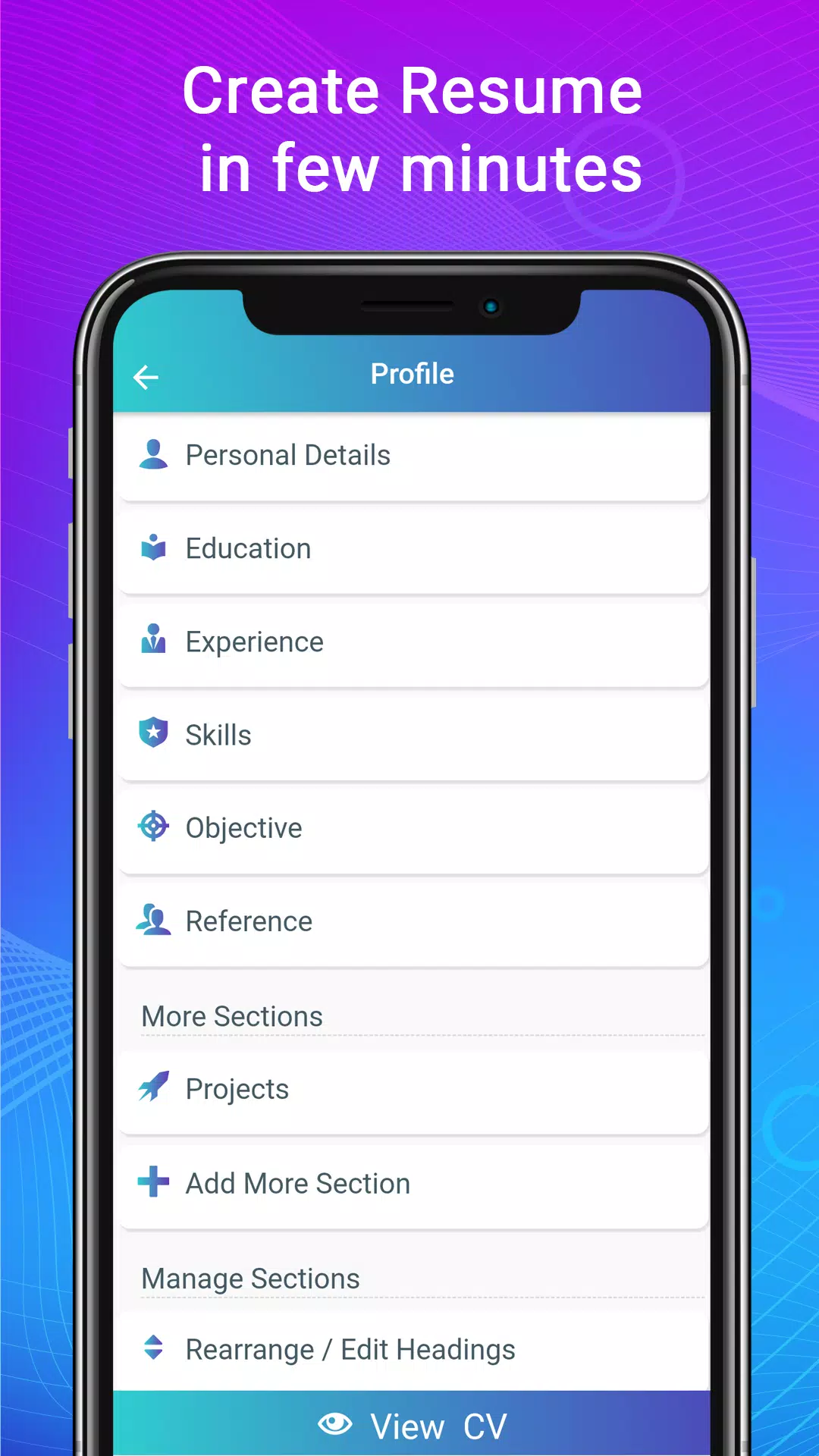
5. Smart Manager – Rearrange Sections, Rename Titles, Add New Sections, and Edit Anytime.
6. Formatting Options – Adjust Font Size, Colors, and Margins.
7. Live Preview of Your Resume Format.
8. Download Resumes in PDF Format.
9. Print or Share Resumes Directly from the App.
10. Full English-Language Support & Writing Assistance.
The CV builder app adapts to any format you choose, including functional, reverse-chronological, combination, one-page, two-page, US-style, biodata, portfolio, and job application formats. ATS-friendly templates are optimized for applicant tracking systems and automated screening processes.
Write a matching cover letter using the same design theme as your resume template to revamp your CV package.
The Intelligent CV builder was designed with professional templates based on research and current trends across industries in the United States, Europe, Canada, and other parts of the Americas. This ensures your resume highlights what international hiring managers expect to see.
Step-by-Step Resume Guide Included:
1. Easy to Use: Anyone familiar with Android smartphones can create a PDF Curriculum Vitae. Simply fill in biodata details, education, work experience, skills, and upload a photo to generate your CV.
2. CV Helper: Resume examples and samples for each section are invaluable for students, fresh graduates, first-time job seekers, entry-level candidates, high school/college interns, and experienced professionals alike.
3. Cover Letter Templates: Add a cover letter to your resume or download it separately in PDF format. The app offers numerous templates tailored for various fields such as engineering internships, IT software development, business management, nursing, teaching, sales assistance, medicine, graphic design, customer service, executive roles, accounting, banking, and more.
4. Resume with Photo: The CV builder includes an optional image feature. All resume templates allow you to add a professional profile photo.
5. Biodata Builder & Portfolio Maker: Beyond resumes and CVs, this job application tool helps create biodatas and portfolios using several available formats.
6. Offline PDF Download, Print, Email, and Share Options.
7. Career Success Tool: Enjoy a stress-free resume creation process with our smart, quick CV maker app. Generate high-quality PDF resumes for job applications, which offer better compatibility than DOCX files.
8. View My Resumes: Access all your created documents in the "Saved Resumes / Downloads" section.
For any questions regarding this CV builder app, please contact us directly.
Screenshot
Reviews
Apps like Resume Builder App, CV maker










Trending apps








Top News







Latest Apps





Latest Articles